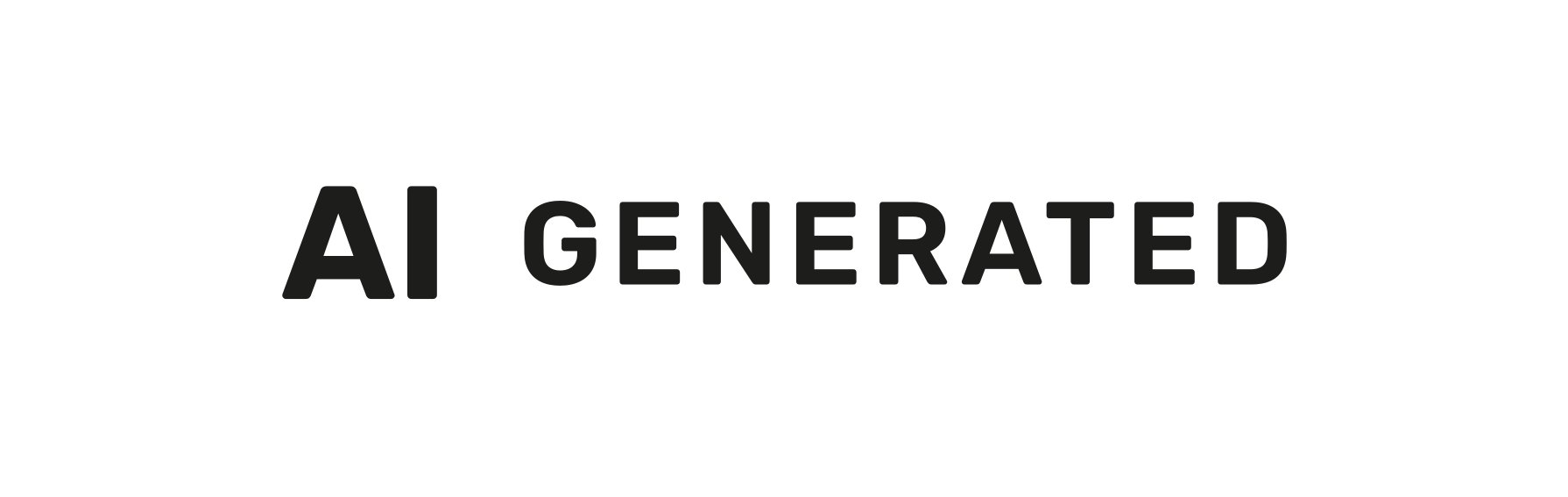
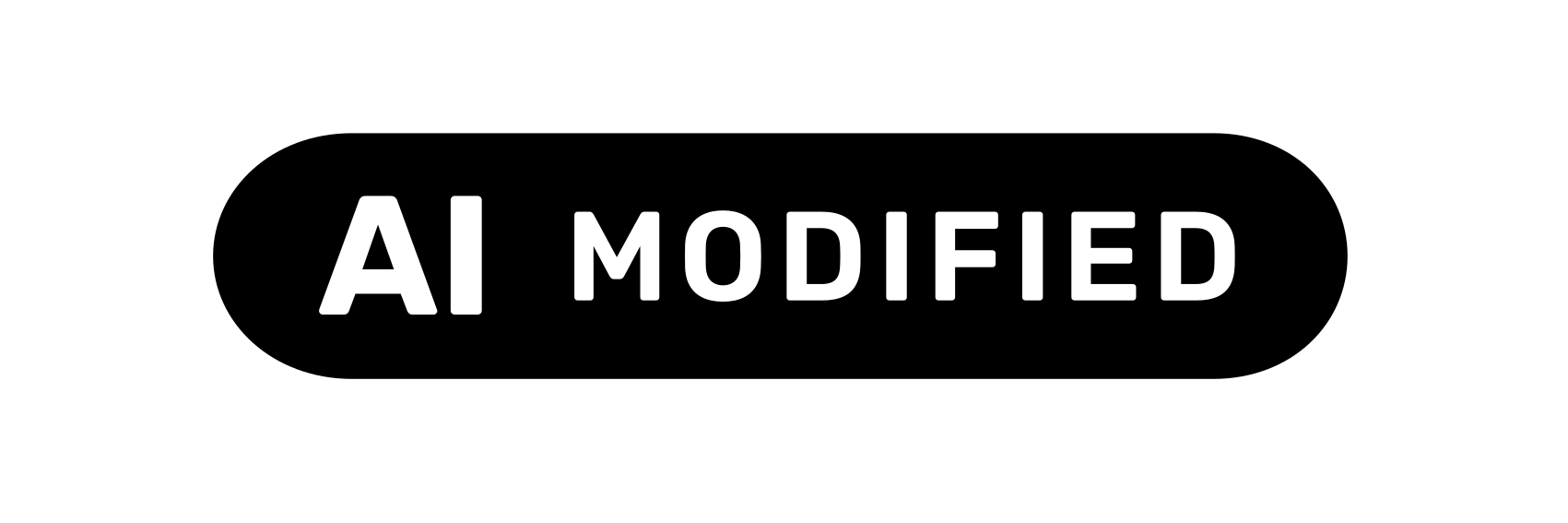
Drop your image into the box, choose “AI-generated” or “AI-modified” and download it with the label. The label follows the European Commission's Code of Practice: “AI” as the main element, clearly visible in the top right, on its own background. The colour adapts automatically, black on light and white on dark backgrounds.
What the label covers
Article 50(4) of the AI Act requires deployers to disclose that a deep fake has been artificially generated or manipulated. Article 50(5) requires this in a clear and distinguishable manner, at the latest at first exposure, and accessibly. The Code of Practice of 10 June 2026 sets out the form: the acronym “AI” as the main visual element, immediately visible without interaction, in a place free of overlapping elements, for example the top right corner.
A burnt-in label stays visible when the image is downloaded or shared. In your own store an overlay is equivalent (Code, sub-measure 1.2.1 c), can be changed centrally and needs no second image file. More on label design.
Your image and its metadata
The result has the same format as the original. EXIF, XMP and IPTC are carried over, optionally with the AI note for Google. The EXIF orientation is reset to “normal”, because the image is already rotated correctly when drawn. A colour profile is not carried over; the pixels are in sRGB afterwards.
If the file carries Content Credentials (C2PA), the tool does not burn in a label. Any change to the file would break the AI provider's signature and invalidate its machine-readable marking. Label such images with an overlay, for example the widget.
Does your image need a label at all?
Not every image with some AI involvement is a deep fake. Background removal, colour correction or a purely decorative AI background behind a real, unchanged product generally do not require a label under the Commission's guidelines (paras. 92, 116). An AI model, or a product that looks better than in reality, does. Find out with the labelling check.
Frequently asked questions
What does the tool cost?
Nothing. You label your first 3 images without signing in, then 30 a month with a free account. You sign in with an email code or with Google, no password. For more images a month, there is a paid plan.
May I use the EU icons?
Yes. The Commission makes them freely available, without attribution. Using them neither means signing the Code of Practice nor makes them a quality seal.
Is a burnt-in label enough to comply?
It is the visible disclosure under Article 50(4) and (5). But it has to appear wherever the image is shown, including thumbnails and product cards (guidelines para. 143). A label does not make a misleading image lawful (recital 137 AI Act).
Why is the label not right at the edge?
A margin of 5 % of the image width protects against cropping, for example when Google Shopping or a theme crops the image. Google advises against placing labels in the outermost corners.
Sources
Para. refers to the paragraph number in the European Commission's guidelines on Article 50, C(2026) 5054.
- Regulation (EU) 2024/1689 (AI Act)EUR-Lex · Law · 12 Jul 2024
- Code of Practice on Transparency of AI-Generated Content (final version)Europäische Kommission · Code of practice · 10 Jun 2026
- Commission Guidelines on the transparency obligations under Article 50 AI Act, C(2026) 5054 finalEuropäische Kommission · Commission · 20 Jul 2026
- EU icons for labelling AI-generated contentEuropäische Kommission · Commission · 24 Sept 2026
- Google Merchant Center: AI content label settings and disclosuresGoogle · Platform · 3 Oct 2026