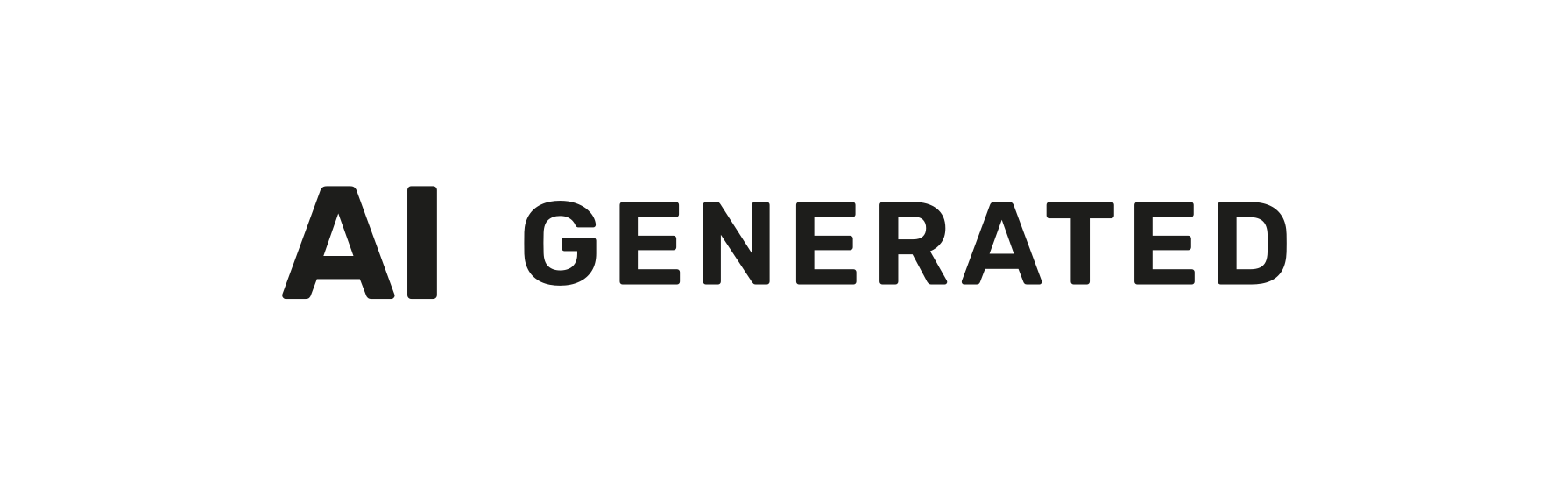
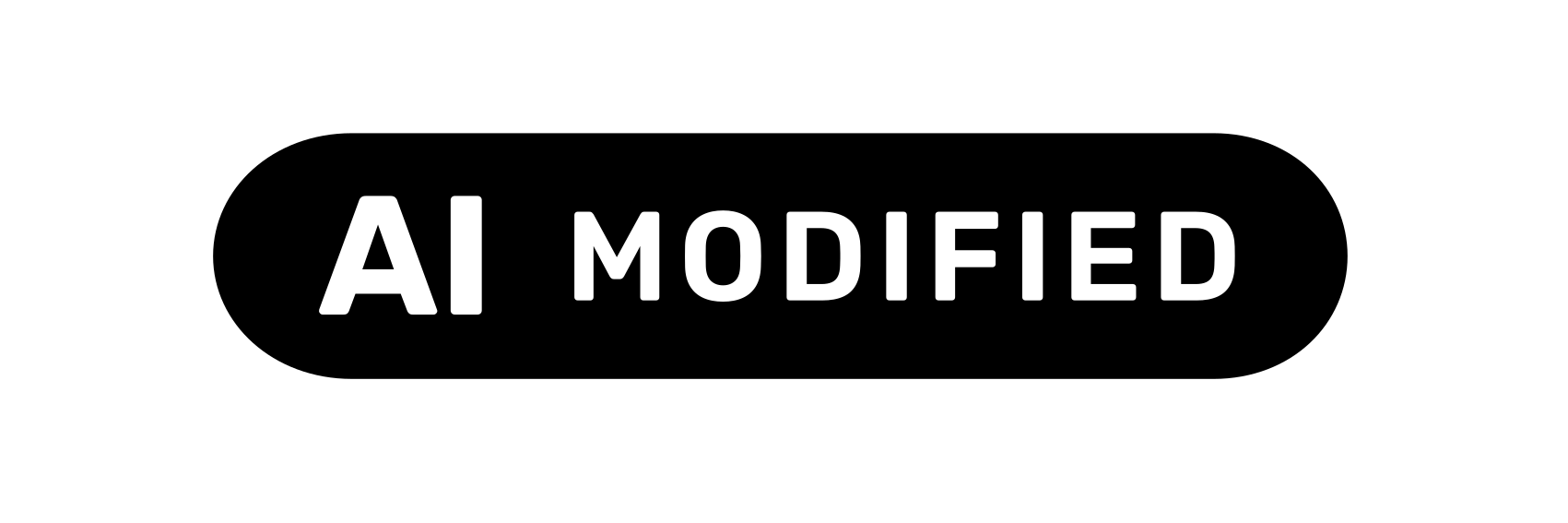
No, a notice in the footer, the terms and conditions or the legal notice is not enough. The label belongs on the image itself, visible without a click and wherever the image appears (Article 50(5) AI Act, guidelines paras. 142 and 143).
You do not have to label every image in your store, though, only every image that is a deep fake. Standard editing such as cut-outs or colour correction needs no label under the guidelines (para. 116).
Your own label in your store's style is allowed. The EU icons are optional; your own label should follow the rules of the Code of Practice, above all “AI” as the main element, visible at once and easy to read.
Is a notice in the footer, the terms or the legal notice enough?
No. Article 50(5) requires the information to be clear and distinguishable and to appear at the latest when someone first sees the image. The Commission's guidelines are explicit:
“Information will not be considered to be provided in a clear and distinguishable manner where it can be easily overlooked or missed by natural persons under normal exposure or interaction conditions (e.g. only included as part of a manual or hidden under layers of menu options on an online interface, part of terms of use that are often not read by users).”
Guidelines C(2026) 5054, para. 142
Nobody reads the footer, the terms, the legal notice or an FAQ page while looking at a product image. A notice there does not reach customers at the moment that matters. The same goes for a general sentence such as “We use AI images in our store”: it does not say which image is affected. For chatbots, the guidelines expressly call such general notices insufficient and accept notices in terms and conditions only as a complement (para. 38); for images, the distinction between real and artificial is lost altogether.
The Code of Practice places the label in the image or as an equivalent overlay on it, recognisable at once, without a click and without close attention (Sub-measure 1.2.1 a and c). A caption below the image departs from that and is often missing on product cards.
A page in the footer is useful as a complement. There you can explain how you use AI and what your label means. A template is available under AI statement for your store. It adds to the label on the image but does not replace it.
Does every image need a label?
Every image that is a deep fake, yes, wherever it appears. Not every image in the store.
Every affected image, everywhere it appears
The information must appear for every output and every person at every moment someone is likely to see the image (para. 143). In a store that is often the product card in a collection or in search first, then the product page, a banner or a blog post. Each AI image carries its own label. A notice image at the start of the gallery or a label only on the first image does not cover the others, because everyone looks at the gallery differently and the product card often shows only one image. If the image changes on hover, the label must follow the image currently shown (see AI images in online stores).
Which images need no label
- Standard editing: colour, light, sharpness, cropping, cut-outs or removing passers-by and dust, as long as the product looks as it really does (para. 116).
- Real, unchanged products in front of a purely decorative AI background, as long as the scene does not mislead about the product (para. 116).
- Recognisably unreal motifs such as comics or fantasy creatures (para. 113 ii).
- Images generated or modified with AI before 2 August 2026 need no label after the fact under the guidelines, although one is still recommended (para. 154).
The labelling check sorts each image with the questions from the guidelines. Typical cases with results are listed under Cases.
Why not simply label everything?
An “AI-generated” label on a real photo says something false about the image. Whether that can be challenged as a misleading statement under German unfair competition law (§ 5 UWG) has not been decided. It does cost trust, though: if “AI” appears everywhere, customers can no longer tell where something was actually generated. What studies show about the effect of labels is covered under Do AI labels cost sales? So label in a targeted way and with the right wording: “AI-generated” for generated images, “AI-modified” for edited ones.
May we design our own label?
Yes. The Commission offers three EU icons, but using them is optional:
“The use of these EU icons is optional, but the labelling requirements under Article 50 AI Act are not.”
European Commission, EU icons page
The Code of Practice expressly allows an equivalent icon or label of your own instead of the EU icon, as long as it meets the design and placement specifications (Code, Commitment 1). These are the rules to follow:
- “AI” as the main element, in capitals, both letters the same height, not distorted when resized (Measure 1.1 a). A short text such as “AI-generated” or “AI-modified” next to it helps customers.
- Visible at once, without a click or hover (Sub-measure 1.2.1 a).
- In a place free of overlapping elements, for example the top right corner, with space to wishlist hearts, sale badges or gallery arrows (Sub-measures 1.2.2 a and 1.2.1 d).
- Readable on every image, with enough contrast and accessible, i.e. with an accessible name for screen readers (Article 50(5), second sentence, para. 144).
- Any size, as long as the label stays clearly recognisable (Measure 1.1 c).
Colour, font, shape and background may match your brand. Rather than recolouring the EU icons themselves, build your own label to the same rules (see EU icons). The Code only binds its signatories. It is, however, the yardstick supervisory authorities look at, and those who have not signed should be able to show their implementation by other means (para. 148). Size, position and contrast in detail are covered in What the label looks like.
The Label an AI image tool creates a label in your own style. For the whole store, the Shopify app sets it, with style, colour and position to match your brand.
Not legal advice. These answers follow the Commission's guidelines and the Code of Practice; only the Court of Justice of the EU can interpret the AI Act bindingly (para. 5).
Frequently asked questions
Is an AI notice in the footer or legal notice enough?
No. A notice that is easy to overlook, for example in terms of use or hidden in menus, is not clear and distinguishable under the guidelines (para. 142). The label belongs on the image. A statement page in the footer is useful as a complement.
Is a sentence like “Some images in this store are AI-generated” enough?
No. A general notice does not say which image is affected. The information must appear with every affected image at the moment someone sees it (Article 50(5), para. 143).
Is a notice in the image caption enough?
The Code of Practice places the label in the image or as an overlay on it (Sub-measure 1.2.1 c). A caption departs from that and is often missing on product cards, so it is the riskier choice.
Does every AI image need its own label?
Yes, every image that is a deep fake, wherever it appears, including product cards, search and banners (para. 143). A label only on the first gallery image does not cover the others.
May I use my own AI label in my store's design?
Yes. The EU icons are optional, and the Code of Practice allows an equivalent label of your own (Commitment 1). It should show “AI” as the main element, be visible at once, be easy to read and sit in a place free of overlapping elements.
Should I label all images just to be safe?
Better not. An AI label on a real photo is a false statement about the image, and whether it can be challenged under unfair competition law is open. Label the images that are deep fakes; the labelling check helps you sort them.
Sources
Para. refers to the paragraph number in the European Commission's guidelines on Article 50, C(2026) 5054.
- Regulation (EU) 2024/1689 (AI Act)EUR-Lex · Law · 12 Jul 2024
- Commission Guidelines on the transparency obligations under Article 50 AI Act, C(2026) 5054 finalEuropäische Kommission · Commission · 20 Jul 2026
- Code of Practice on Transparency of AI-Generated Content (final version)Europäische Kommission · Code of practice · 10 Jun 2026
- EU icons for labelling AI-generated contentEuropäische Kommission · Commission · 24 Sept 2026
- Wettbewerbszentrale, guide on labelling AI-generated content, version 2.0Wettbewerbszentrale · Association · 29 Jul 2026
- German Act against Unfair Competition (UWG)gesetze-im-internet.de · Law · 27 Sept 2026